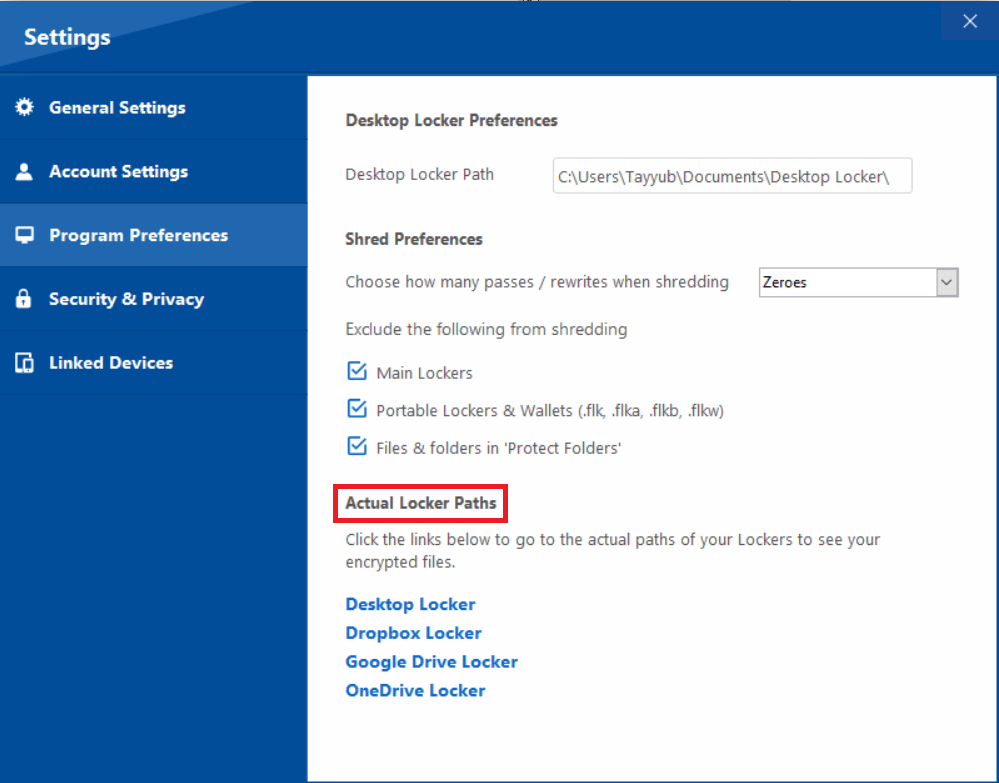
Assess Folder Lock as one archive layer
NewSoftwares documents encrypted lockers and selected cloud-locker workflows. That can fit a Windows-based archive when compatibility, current behavior and recovery dependencies are tested. It does not decide who is authorized to receive a model release, satisfy a platform or contract, guarantee backup, recover a forgotten encryption password or provide enterprise identity governance.
A photography studio trials Folder Lock with synthetic release files. It tests import, lock, reopen, separately stored backup and recovery on the actual Windows version before placing retained records in scope. Client authorization and delivery remain governed by the studio’s records procedure.
Use a controlled sequence
- 01Verify the current product edition, supported Windows version, price and licensing terms.
- 02Use synthetic records to test locker creation, import, lock, reopen and export behavior.
- 03Document where plaintext staging files and exports remain after each action.
- 04Create and restore a separately stored recovery copy before relying on the archive.
- 05Compare the result with managed storage, full-disk encryption and enterprise alternatives.
Record the decision without copying the risk
Record product version, source, test machine, locker settings, selected workflow, plaintext locations, backup dependency, restore result, authorized operators, review date and exit plan.
Stop and investigate when
- Legacy screenshots are treated as proof of current behavior.
- The product is presented as legal authorization or guaranteed recovery.
- One locker on one device is called a complete backup strategy.
Storage protection is not legal authorization
Does not replace provider permissions, guaranteed backup, password recovery or enterprise identity management. Model-release requirements vary by intended use, platform, contract and jurisdiction. Obtain qualified advice for legal conclusions.
Test each interface in context
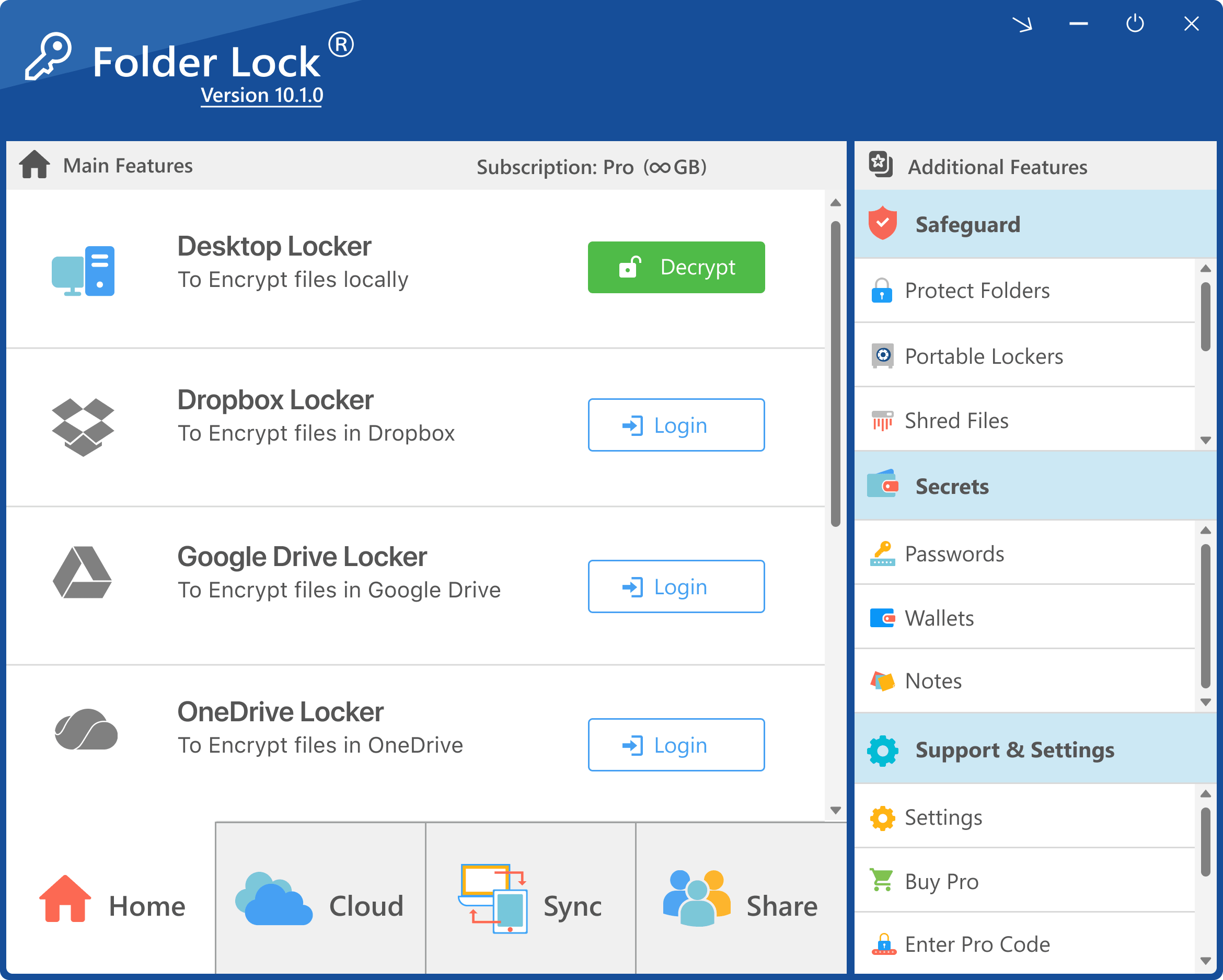
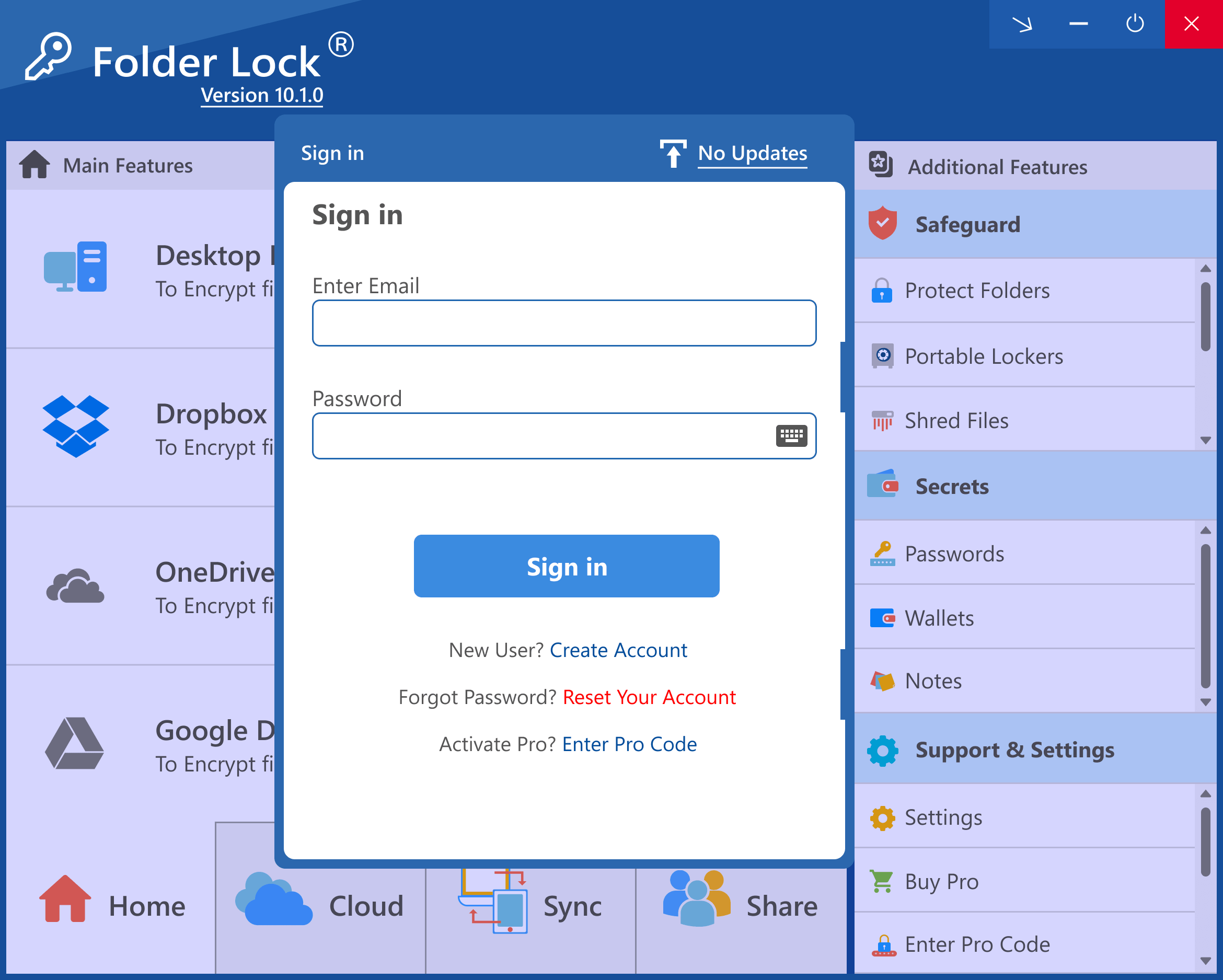
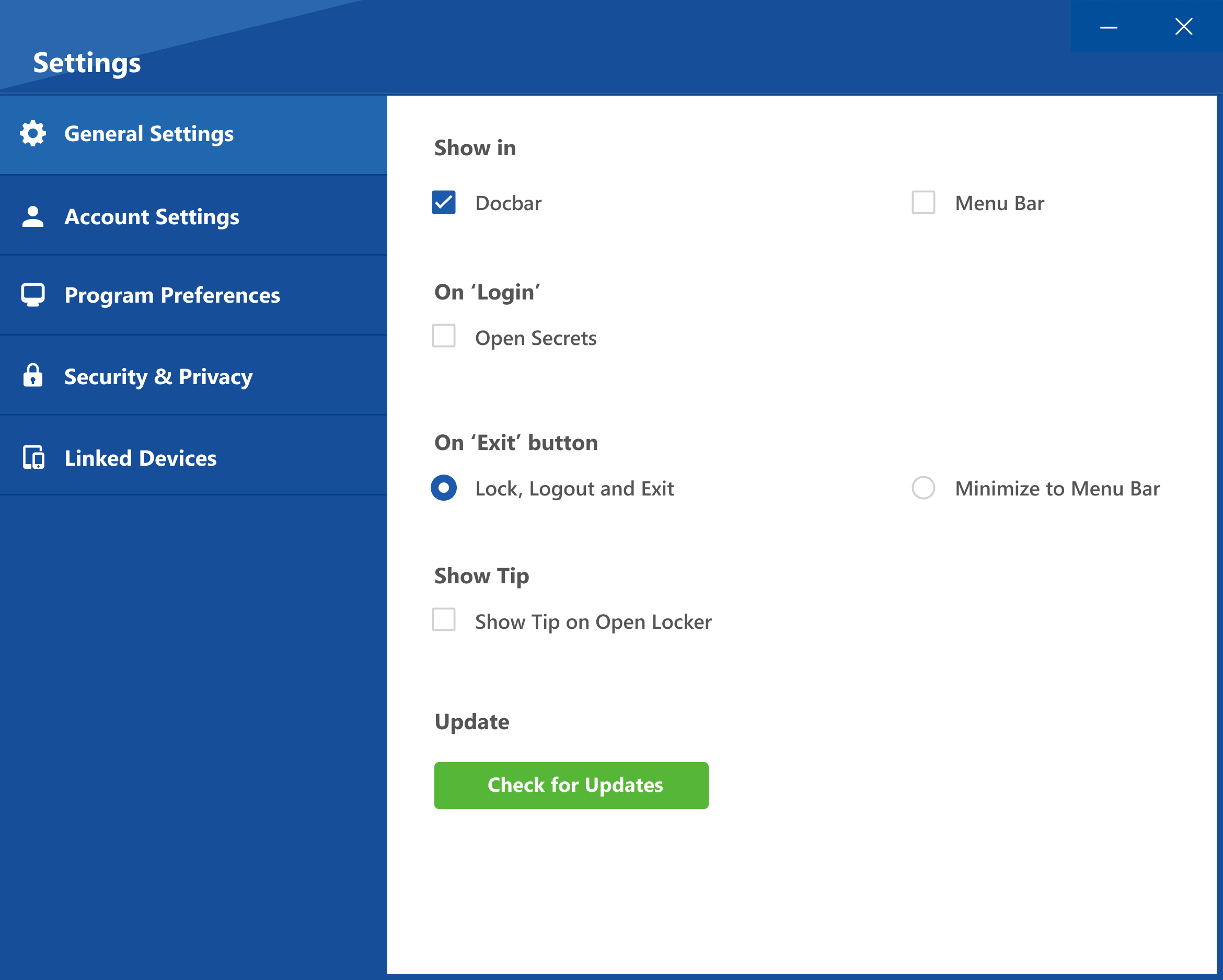
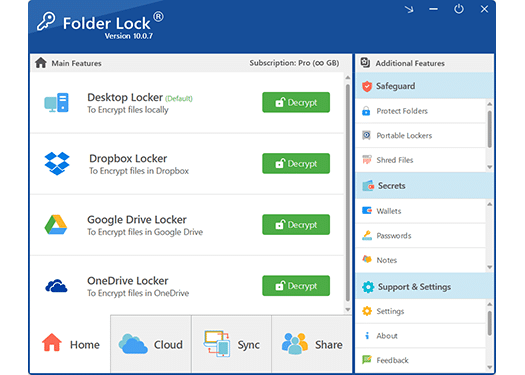
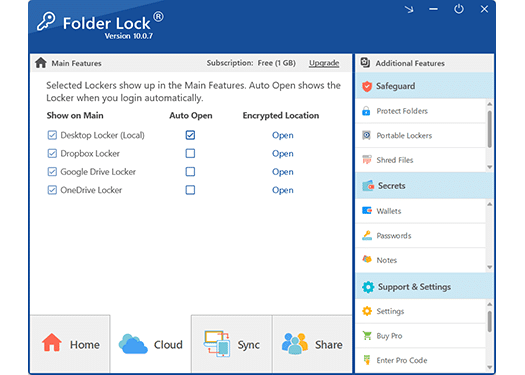
Cloud-locker screens do not prove a complete backup, guaranteed restore or authorization to share model releases.
Questions commercial photographers ask
Is Folder Lock legal proof that a release is valid?
No. It is a storage control, not a legal validity or authorization system.
Are the displayed interfaces current?
They are supplied legacy-version materials. Confirm the current release and behavior on the real device.
Evidence for this decision
- NewSoftwares: Folder Lock features
- NewSoftwares: encrypt files with Folder Lock
- FTC: Protecting Personal Information
These sources support specific handling decisions. They do not provide universal legal advice or imply endorsement.